Certificate Renewal Process
Each API certificate has an expiry date and needs to be renewed in order to maintain the customers' integrations running. MindKey periodically checks which certificates are about to expire and takes the responsibility of contacting and informing the customers about the procedures involved into the renewal process.
MindKey creates in advance a new certificate, which the customer can download from Mindkey SFTP server. The password for the certificate is sent via SMS to the customer primary IT contact.
The new certificate must be installed on the computer from which the integration is performed and must be saved in the context of the user performing the integration.
The certificate renewal process for MindKey is captured in the following steps below.
- Double-click the certificate to begin installation.
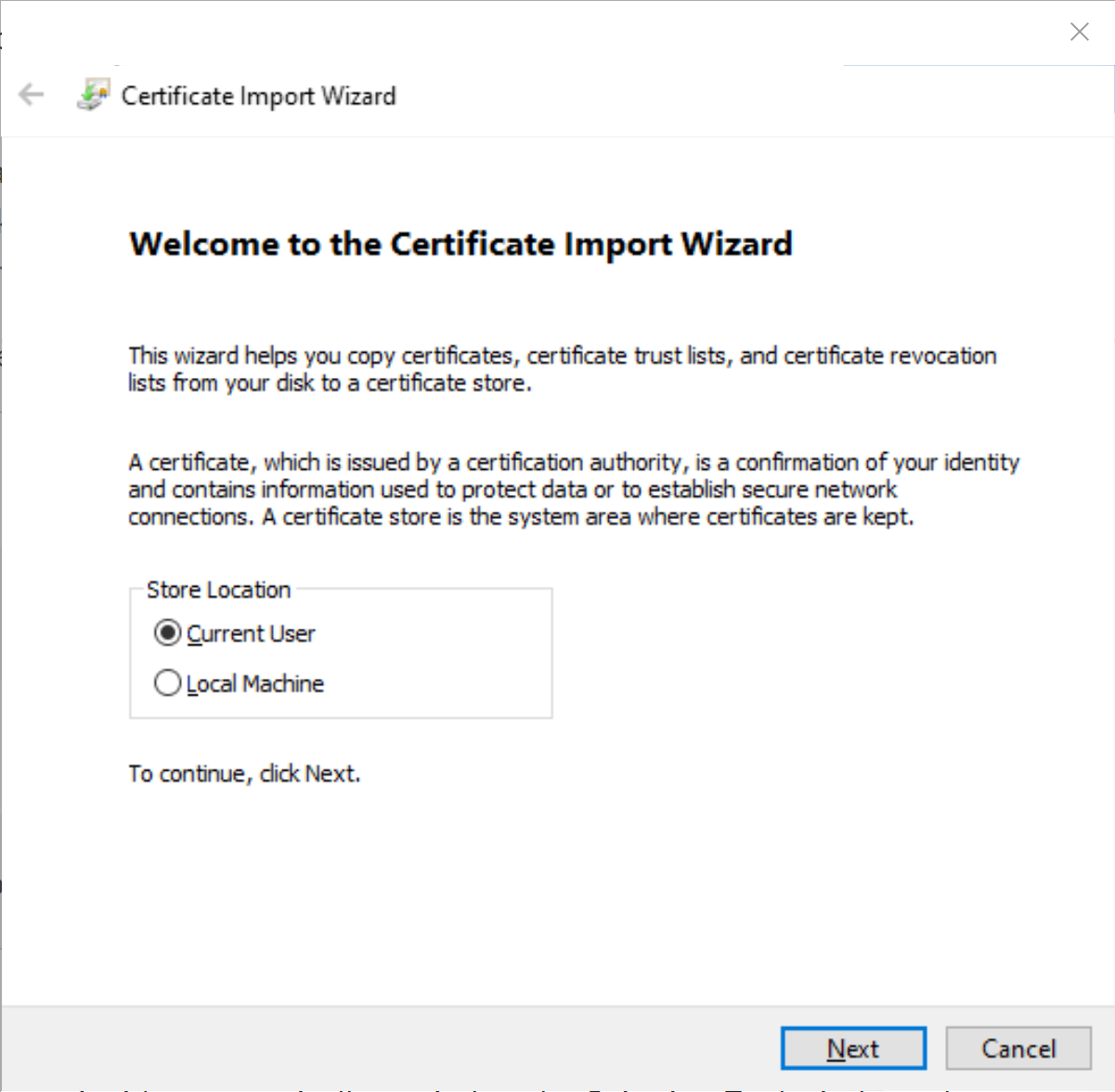
- Click Next
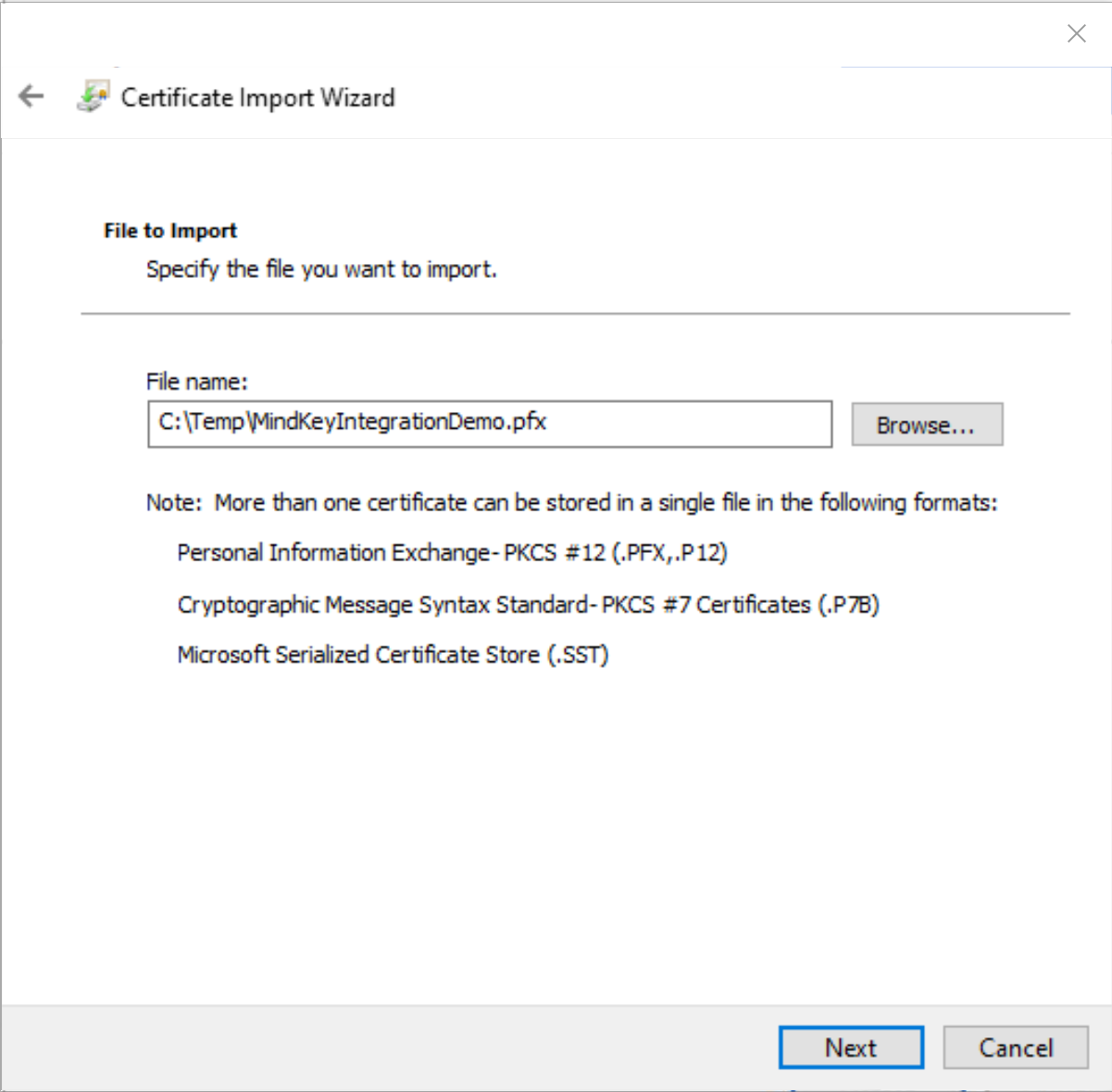
- Click Next
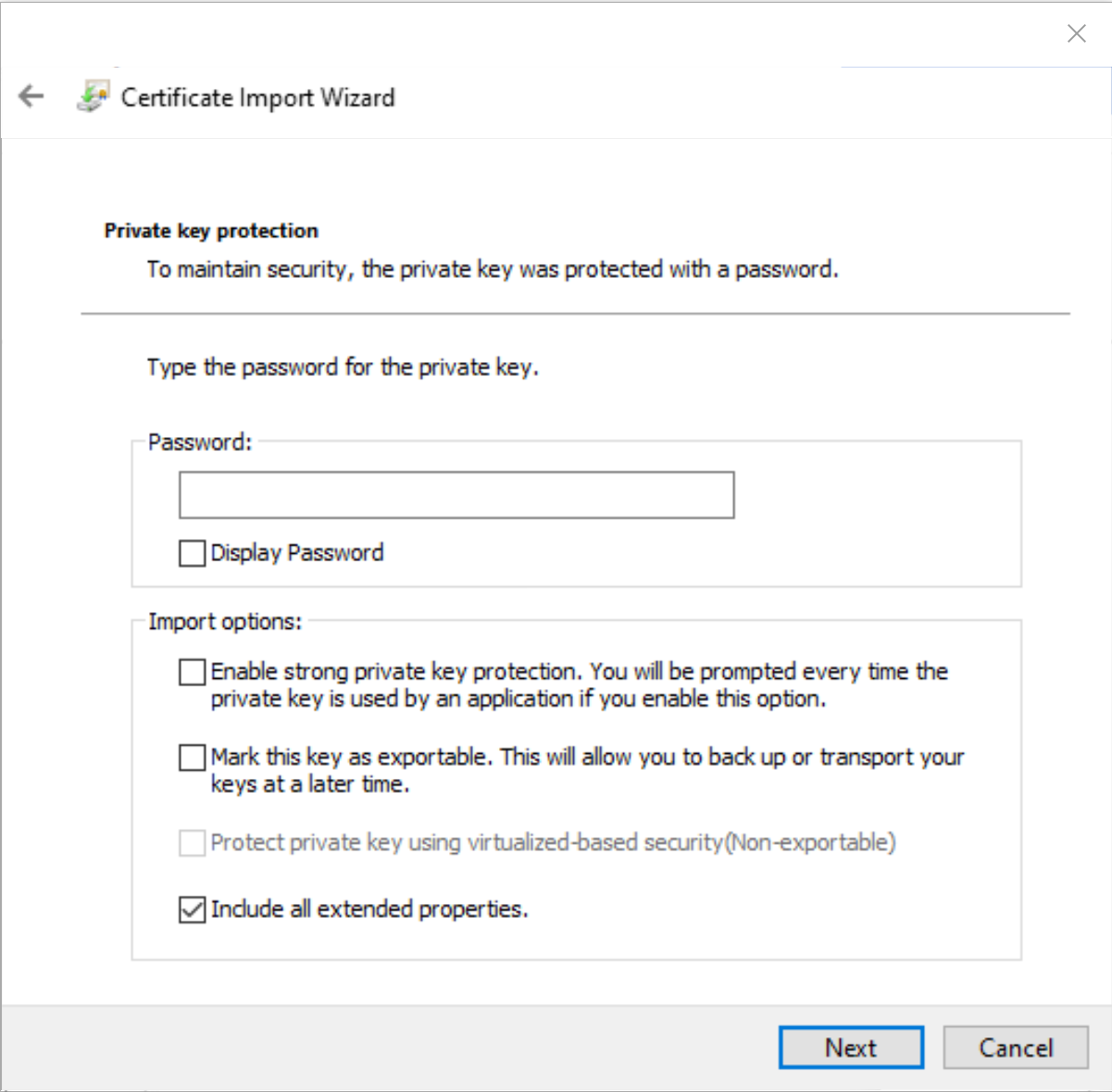
- Enter password in the Password field and click Next.
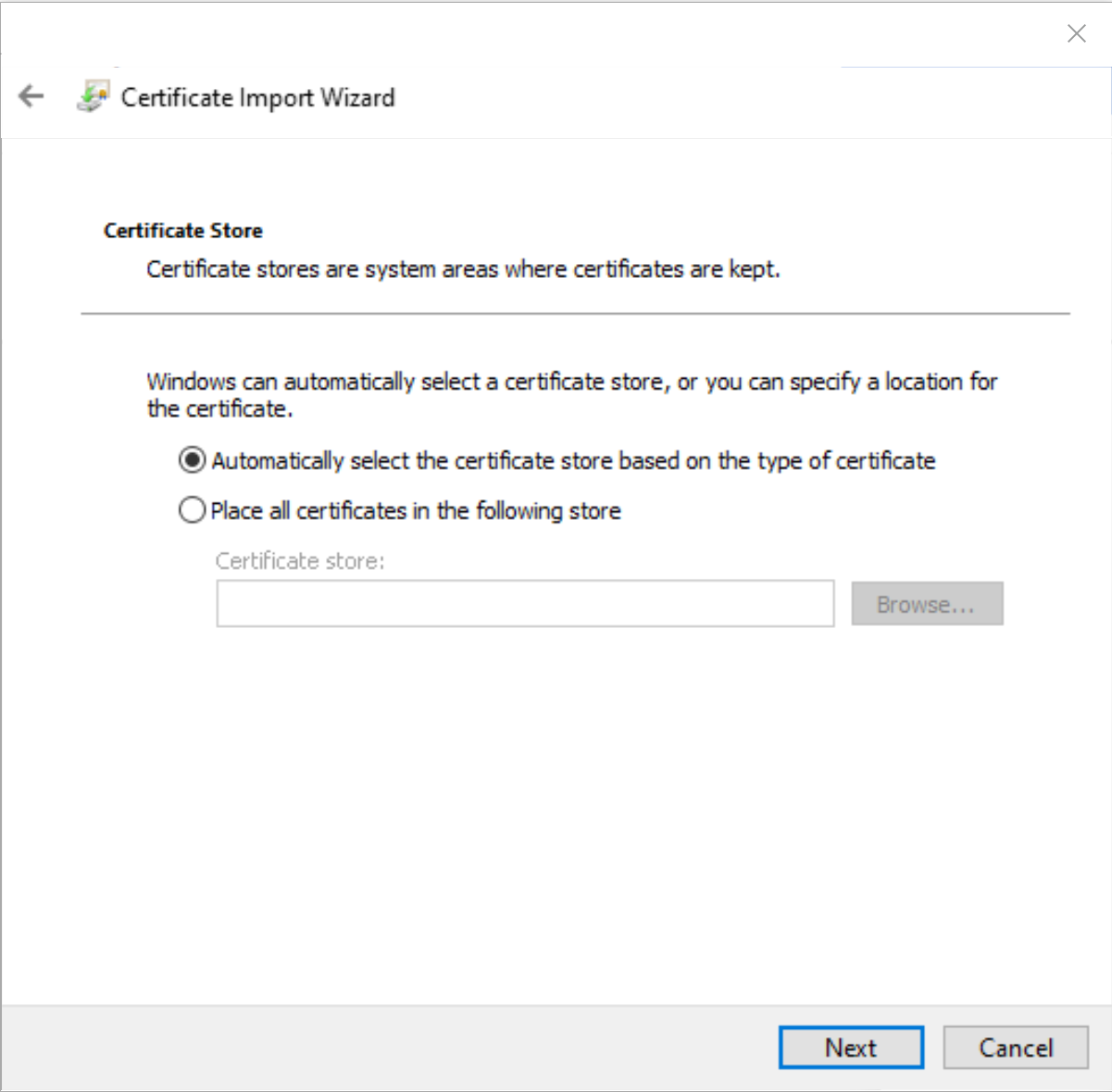
- Select Place all certificates in the following certificate store and click Browse….
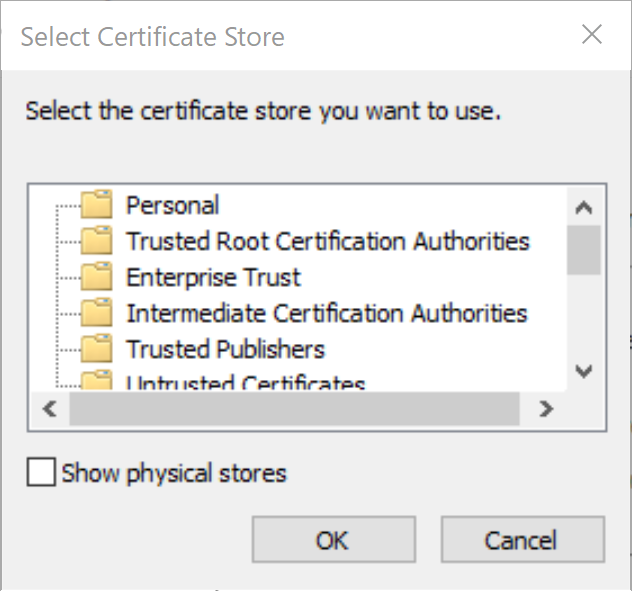
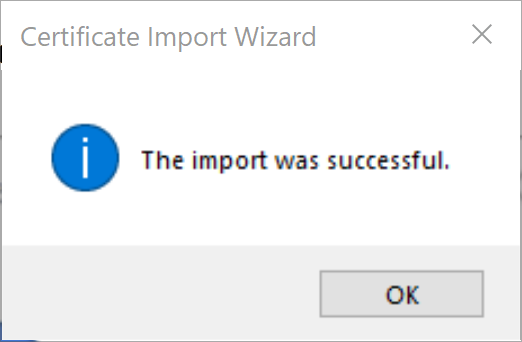
- Select Personal and click OK. Click Next, and then click Finish.
Integration
Determine Imprint (Thumbprint)
- Once the certificate is installed, open the certificate manager to determine the Certificate Imprint to be inserted into the integration script or the XML file with the setup values if the integration reads one.
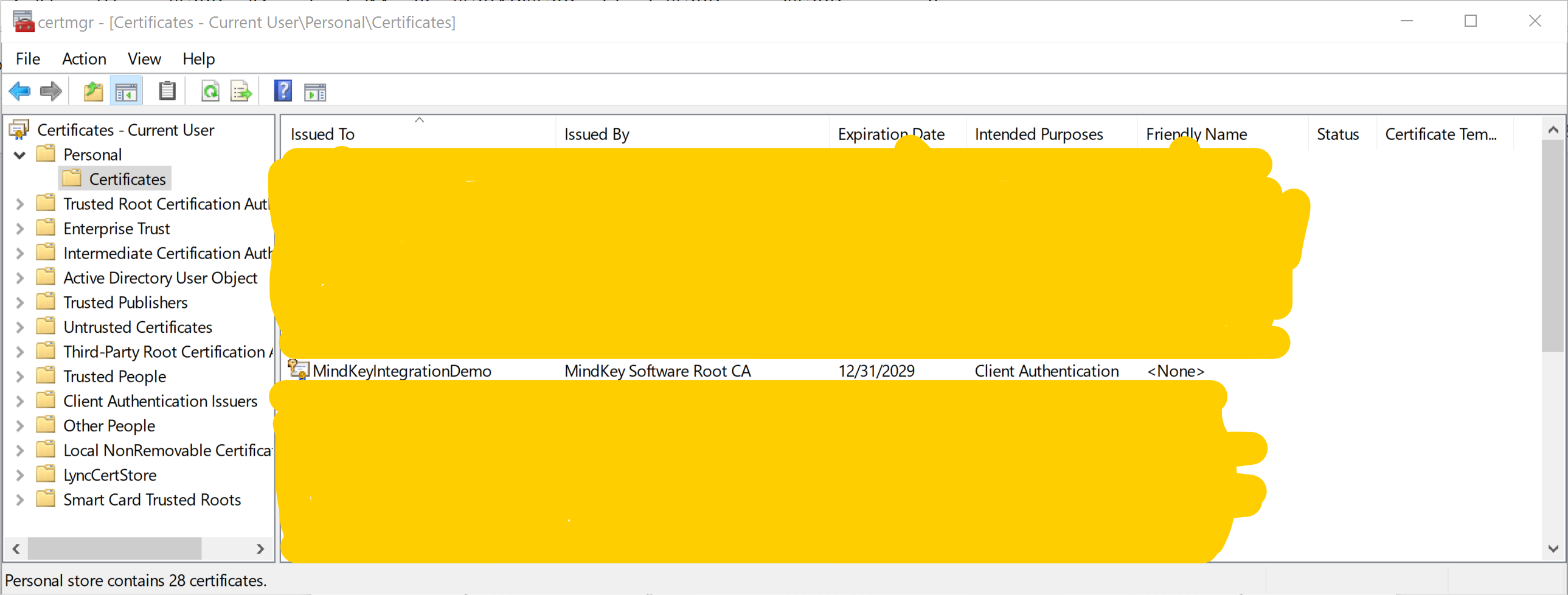
- Double-click Personal, double-click Certificates, and then double-click the imported certificate. In the dialog that opens, click on the Details tab, scroll until you see the Imprint field and then click on the line with Imprint.
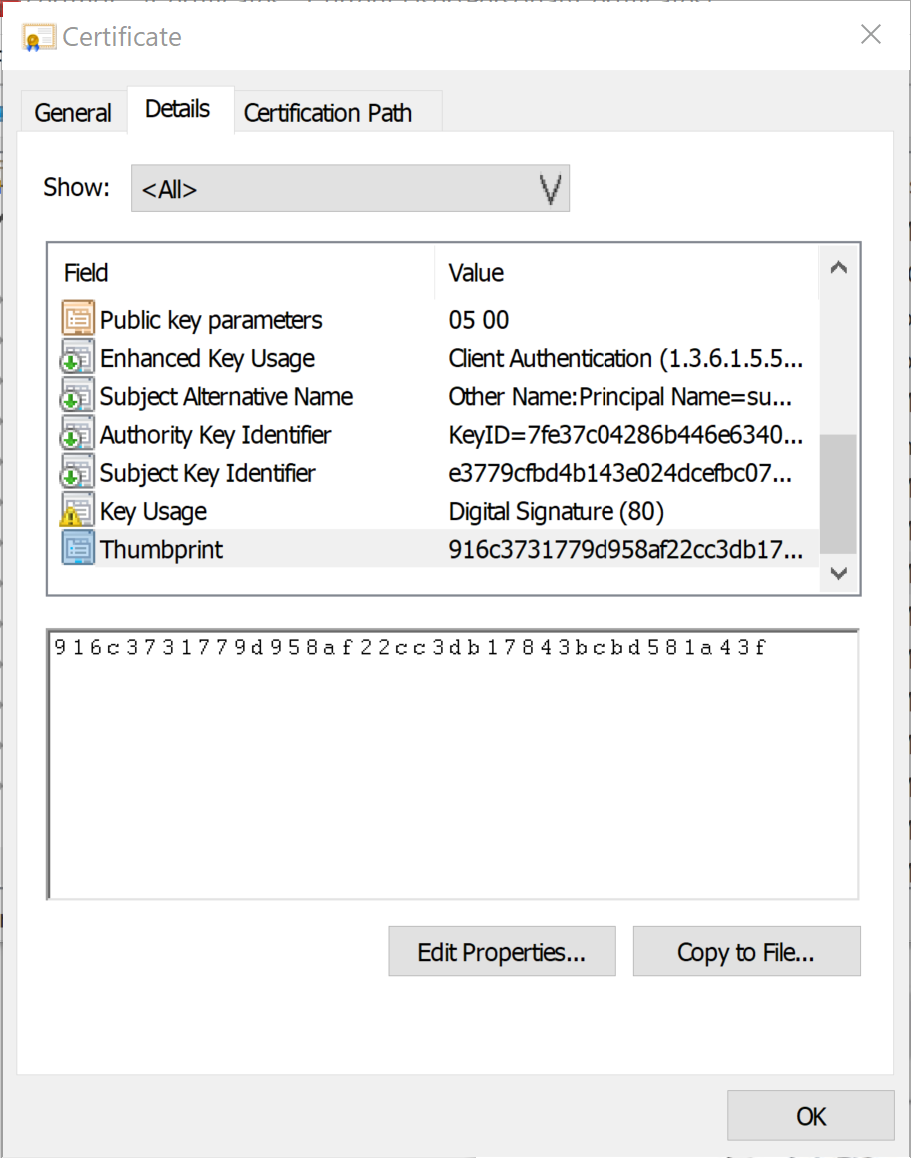
Note the provided value - it must later be inserted in the integration script or in the xml file with the setup values if the integration reads one.
- Click OK and then close the certificate manager.
After following all the above steps, the certificate is renewed.